Real Results: How Small Businesses Use AI Social Media Tools
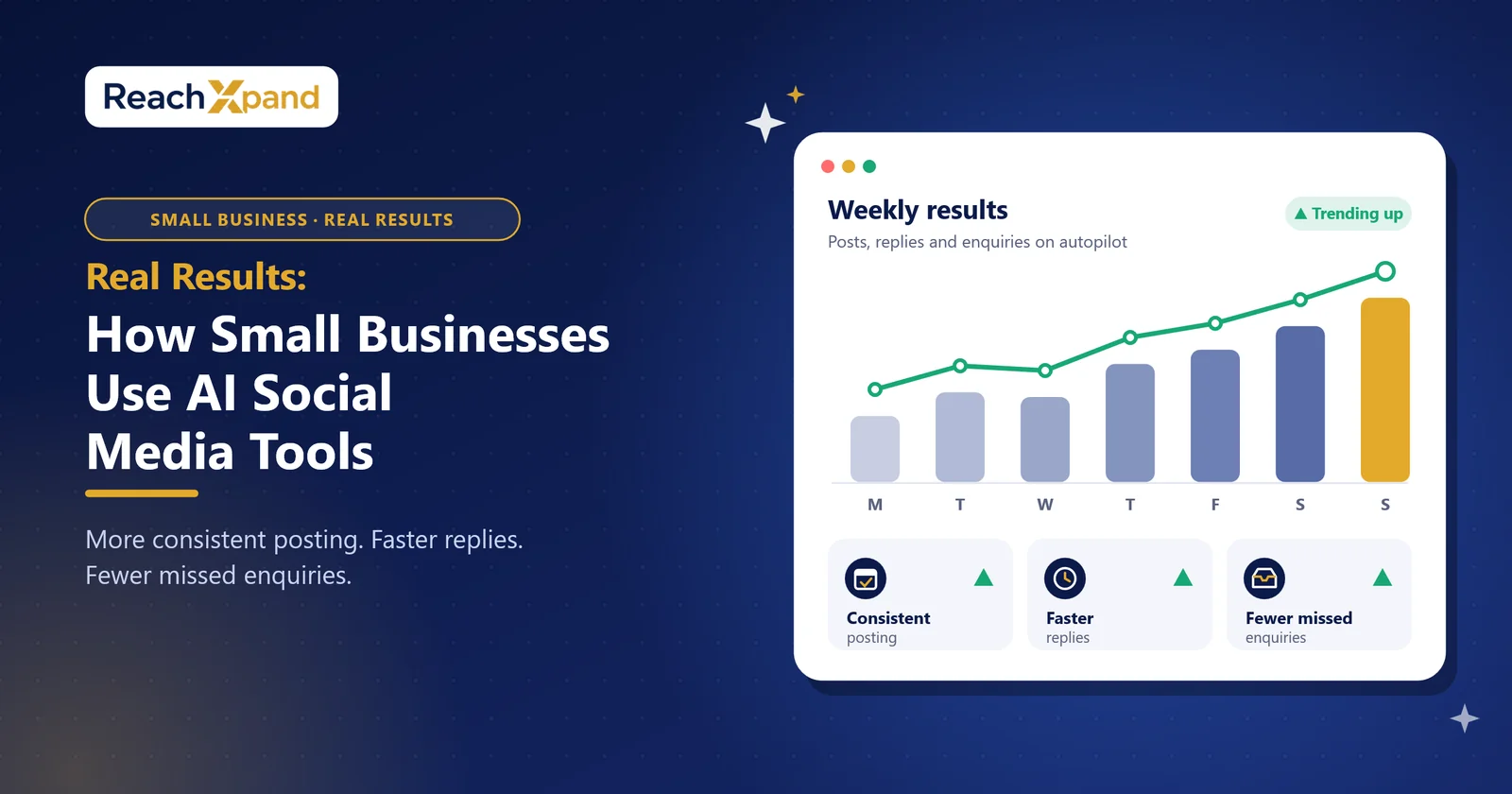
AI social media automation handles scheduling, posting, and first-line customer replies, freeing up hours each week. The gains are real: more consistent posting, faster response times, fewer missed enquiries. The limits are real too: tone drift, factual errors, and messages that need a human. This post walks through illustrative scenarios, the metrics worth tracking, and where the tech still needs you.
A quick note before you read on: the examples below are illustrative scenarios built from common small-business use cases, not named customers or verified case studies. Replace them with your own tracked results once you have them.
What does AI social media automation actually look like for small businesses?
Picture a local bakery, a solo consultant, and a small retail shop. None of them have a marketing team. Each one used to post when they remembered to, which meant inconsistently, or not at all.
With AI social media automation, the pattern changes. The bakery's weekly specials get scheduled across Instagram and Facebook without anyone opening a laptop on a Sunday. The consultant's LinkedIn posts go out on a set cadence, written in a tone that matches how she actually talks to clients. The retail shop's auto-replies answer "What are your hours?" and "Do you ship to Canada?" at 11 pm, when the owner is asleep.
None of this requires a marketing hire. It requires setup once, brand voice, key facts, posting schedule, and then the system runs.
How much time can automation save a small business?
Time is the resource small business owners have the least of. Manual posting means logging into three platforms, writing three versions of the same update, and hoping you remembered the right hashtags for each one.
Automation collapses that into one action. Instagram gets the hashtags, LinkedIn gets the argument, X gets the one-liner, each written for the feed it lands in, not copy-pasted across all of them.
If you want to know what this is worth to your business, track it directly:
- Hours saved on content creation: Log how long weekly posting took before automation, then compare after 30 days.
- Response time to customer enquiries: Measure average reply time before and after auto-replies go live.
- Posting consistency: Count missed weeks or gaps in your posting calendar, before and after.
These are the categories that matter. Put your own numbers against them, don't borrow someone else's.
Can AI auto-replies really sound like your brand?
This is the objection every small business owner raises, and it's a fair one. Automated replies have a reputation for sounding robotic, or worse, for inventing information nobody approved.
The honest answer: AI can sound like your brand, but only if it's told what your brand sounds like, and what your brand actually offers. A system trained only on generic data will guess at prices, delivery windows, and policies, and guess wrong.
A well-built system answers only from what you've told it about your brand. If a customer asks about a shipping policy that was never documented, the system should say so, not invent one.
Choose automation that refuses to guess if your business handles sensitive topics, custom pricing, or anything where a wrong answer costs you a customer. Choose faster, looser automation if your enquiries are simple and repetitive, hours, location, availability.
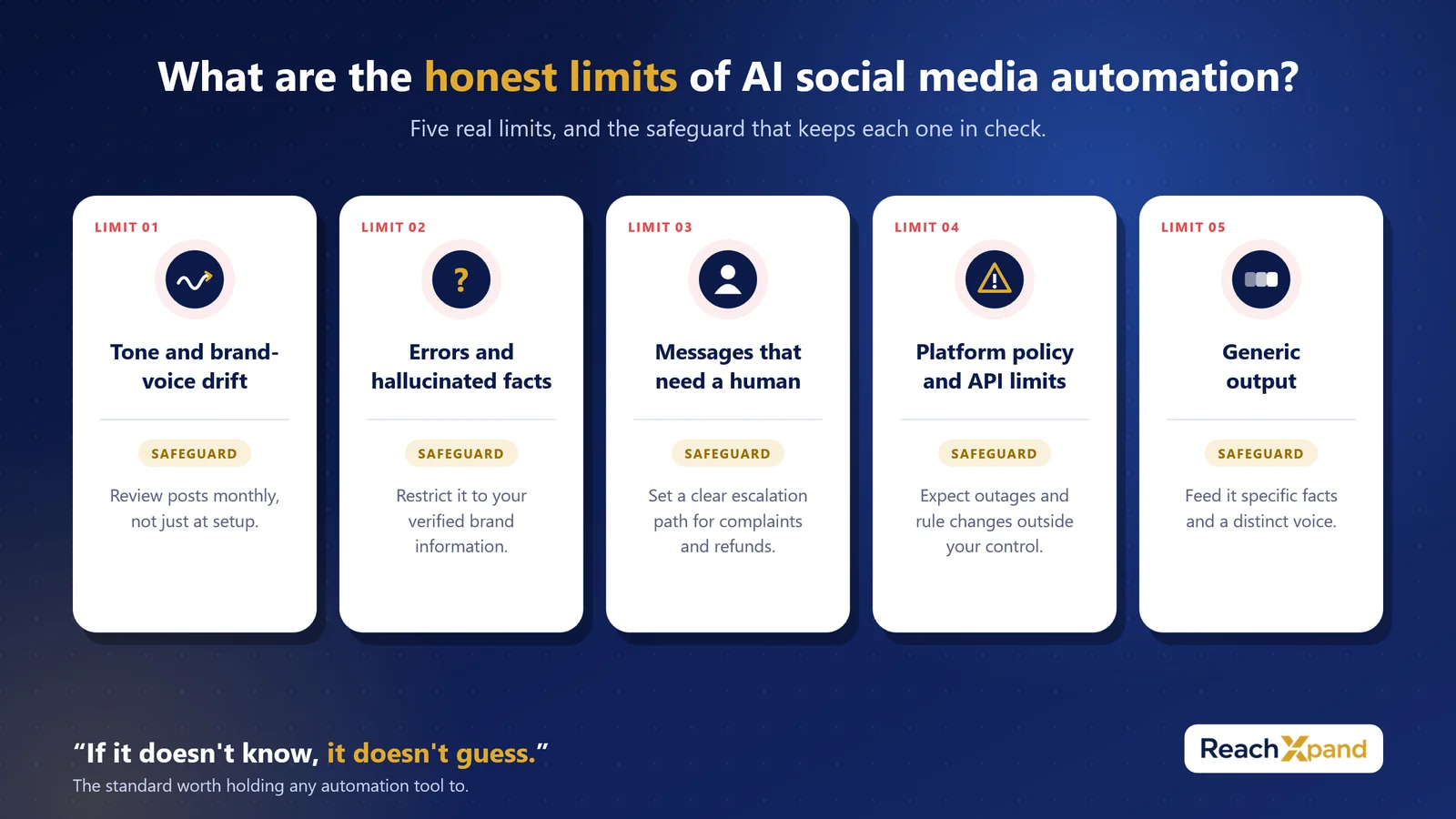
What are the honest limits of AI social media automation?
No vendor wants to lead with this section. It matters more than the highlight reel.
- Tone and brand-voice drift. Over time, without review, automated posts can slide away from how your brand actually sounds. Check in monthly, not just at setup.
- Errors and hallucinated facts. If the system isn't restricted to your verified brand information, it will fill gaps with invented details. This is the single biggest risk in automated customer replies.
- Messages that need a human. Complaints, refund disputes, and anything emotionally charged should never be fully automated. These need an escalation path, a clear point where the AI hands off to you or your team, every time.
- Platform policy and API limits. Social platforms change their rules and their API access without warning. Automation tools depend on that access; outages and policy shifts happen outside your control.
- Generic output. Left unchecked, AI-generated captions start to sound like everyone else's AI-generated captions. Specific brand facts and a distinct voice are what prevent this, generic prompts produce generic posts.
If it doesn't know, it doesn't guess. That's the standard worth holding any automation tool to.
How do you measure whether AI automation is working?
Three categories cover most of what matters: reach, leads, and hours saved.
- Reach: Track follower growth, impressions, and shares across each platform monthly. Compare the three months before automation to the three months after.
- Leads: Count enquiries that originate from social, DMs, comments with contact requests, and link clicks to a contact form. Tag them at the source so you can trace them back.
- Hours saved: Log the time spent on content creation and customer response weekly. The difference before and after automation is your real return.
Set these up before you launch automation, not after. You need a baseline to know if anything changed.
Which businesses should automate first, and which should wait?
Choose automation for scheduling and posting if your bottleneck is consistency; you have the content ideas but not the time to publish them on schedule.
Choose automation for auto-replies if your enquiries are repetitive and well-documented, hours, location, pricing, availability.
Wait on full automation, or keep tight human oversight, if your business handles sensitive customer issues, custom quotes, or situations where a wrong answer has real consequences. Automate the easy 80%. Keep a human on the hard 20%.
Start with one platform, not five
You don't need every platform automated on day one. Pick the one where your audience is most active, set your brand facts once, and watch how the system performs for two weeks before expanding. No enquiry missed. No week without posts. That's the standard; build toward it one platform at a time.
Frequently Asked Questions
Is AI social media automation expensive for a small business?
Most tools charge a monthly plan, with higher tiers adding more posting volume and more AI-generated content. Many, ReachXpand included, offer a free trial so you can test it before paying. Compare the hours saved against the subscription cost to judge ROI for your business.
How long does it take to set up AI social media automation?
Initial setup, brand voice, key facts, and posting schedule typically takes a few hours, not days. The system improves as you review and correct its output over the first few weeks.
What are the risks of using AI for customer replies?
The main risks are factual errors, tone mismatches, and automated responses to complaints that need human touch. Mitigate this by restricting the AI to verified brand facts and building a clear escalation path for sensitive messages.
Are there alternatives to full automation?
Yes. Many small businesses start with semi-automation, AI drafts posts or replies, a person reviews and approves before anything goes live. This reduces risk while you build confidence in the system.
Who is AI social media automation best suited for?
Small business owners, consultants, and service providers with limited marketing time but a clear sense of their brand voice. Businesses with highly sensitive or complex customer issues should keep more human oversight in the loop.
You do not have to do this by hand
ReachXpand learns your business from your website, then plans, writes, designs and publishes the posts — and answers the customers they bring in.
Start for freeRead next
How AI Learns Your Brand Voice (And Why That Matters)
Discover how AI social media tools learn your tone, colours, and messaging to keep your brand consistent, without hiring and retraining freelancers.
One Brand Profile, Every Platform Covered
Stop copy-pasting the same post everywhere. See how one Brand Profile lets AI write platform-specific content for Instagram, LinkedIn, and X.
Why Your Reels and TikToks Keep Flopping (And the Fix)
Static posts get scrolled past. AI video generation turns a brief into a finished Reel, TikTok, or Short, no camera, no editor needed.
Free tools you can use
Instagram Engagement Rate Calculator
Enter your followers, likes and comments to get your engagement rate — and whether it is good for an account your size.
Open the toolSocial Media Image Size Guide
Exact pixel dimensions and aspect ratios for feed posts, portraits, landscapes and Stories on every major platform.
Open the toolCaption Length Checker
Paste one caption and see the limit, the character count and the exact point each platform truncates it with a "more" link.
Open the toolSocial Media Content Calendar Generator
A month of posts planned in one click: real ideas for your trade, balanced so the feed is not all selling.
Open the toolSocial Media Cost Calculator
Agency retainer, freelancer or your own hours — see the true monthly cost and what each post works out at.
Open the tool